Contents
Leonxlnx/taste-skill is an MIT-licensed Agent Skill with about 103k stars on its GitHub page. Its description promises “art direction, reference images and a browser check instead of generic AI pages.” For engineers building agent systems, the repository is most useful as a case study in turning a vague quality goal into a staged pipeline with named checks that can fail.
The thesis is that taste-skill encodes design judgment as a deterministic, inspectable process. Its strongest documented evidence is the browser inspector’s failure counts, not the author’s blind-juror scores, which the author’s own figures place within noise. The sections below separate those two claims and flag where the repository’s documents disagree with each other.
How This Review Was Researched
The review draws on the repository’s GitHub page, README, CHANGELOG, SKILL.md, install.sh and tasteskill.dev, all fetched on 27 October 2026. Star counts come from the GitHub page; versions and dates come from CHANGELOG.md.
This review is based on the repository’s documentation and published files (SKILL.md and install.sh), and we did not run it hands-on. Claims here are therefore claims about what the documents and code say the skill does. Where the documents conflict, the conflict is reported rather than resolved.
Last reviewed: October 2026
What Does the Run Look Like as Written?
SKILL.md defines the build as nine numbered steps, from inventory through motion, while the README summarises the same process as six. The ordering is the design: the agent must write what each section argues, and what only this client has, before it touches a palette or a layout. SKILL.md sets out that sequence.
Step one asks for eight to twelve things only this client has. Step two writes the argument, the claims each section must carry. Step three runs scripts/draw.mjs, which deals three of 20 directions from which the agent picks one; a --keep palette,type flag holds fixed brand constraints, and --redraw changes a single slot. Step four requires a one-sentence idea checked against a competitor test and a “one live thing” test. Step five writes a copy deck with two-line headline arithmetic. All of these are documented in SKILL.md.
The imagery order is where the method gets specific. Step six ranks image sources: the project’s own, generated images, real pictures of the subject’s world from open collections, code-drawn art, dealt atmosphere photos, and finally type and colour alone. The floor is at least four real pictures on the page, and SVG does not count toward it. On this reviewer’s reading, the ordering and the floor sit in some tension: type and colour alone is last in the order, yet the floor demands four real pictures. The documents do not say how an agent should proceed when open collections yield too few usable pictures.
How Does the Library Constrain Art Direction?
Art direction is dealt from a curated library rather than composed from scratch on each run. The v2.0.0 notes in the CHANGELOG list 48 hero compositions, 172 section compositions, 44 type systems, 56 palettes, 420 photographs, 11 motions and 181 studied reference sites, all drawn from a study of 247 curated sites.
Engineering-wise, this is constrained generation. The model’s freedom is reduced to choosing within a bounded, curated set, which trades creative range for predictability. The v2.1.0 entry extended the library with 10 hero and 13 section compositions, 21 more studied sites, 7 signature motions, 7 app styles, 5 app shells and 21 screen patterns for 13 kinds of product.
The study itself has a documented sample. The latest 100 Awwwards Sites of the Day were captured on 18 October 2026 at widths of 1440 and 390, of which 91 were usable, and each site was read by a panel of one model reader. The repository does not say how often the study is refreshed. Draw history is written to ~/.taste-skill/history.json, but the CHANGELOG does not describe how that history feeds later draws.
How Does the Inspector Turn Taste Into Failing Checks?
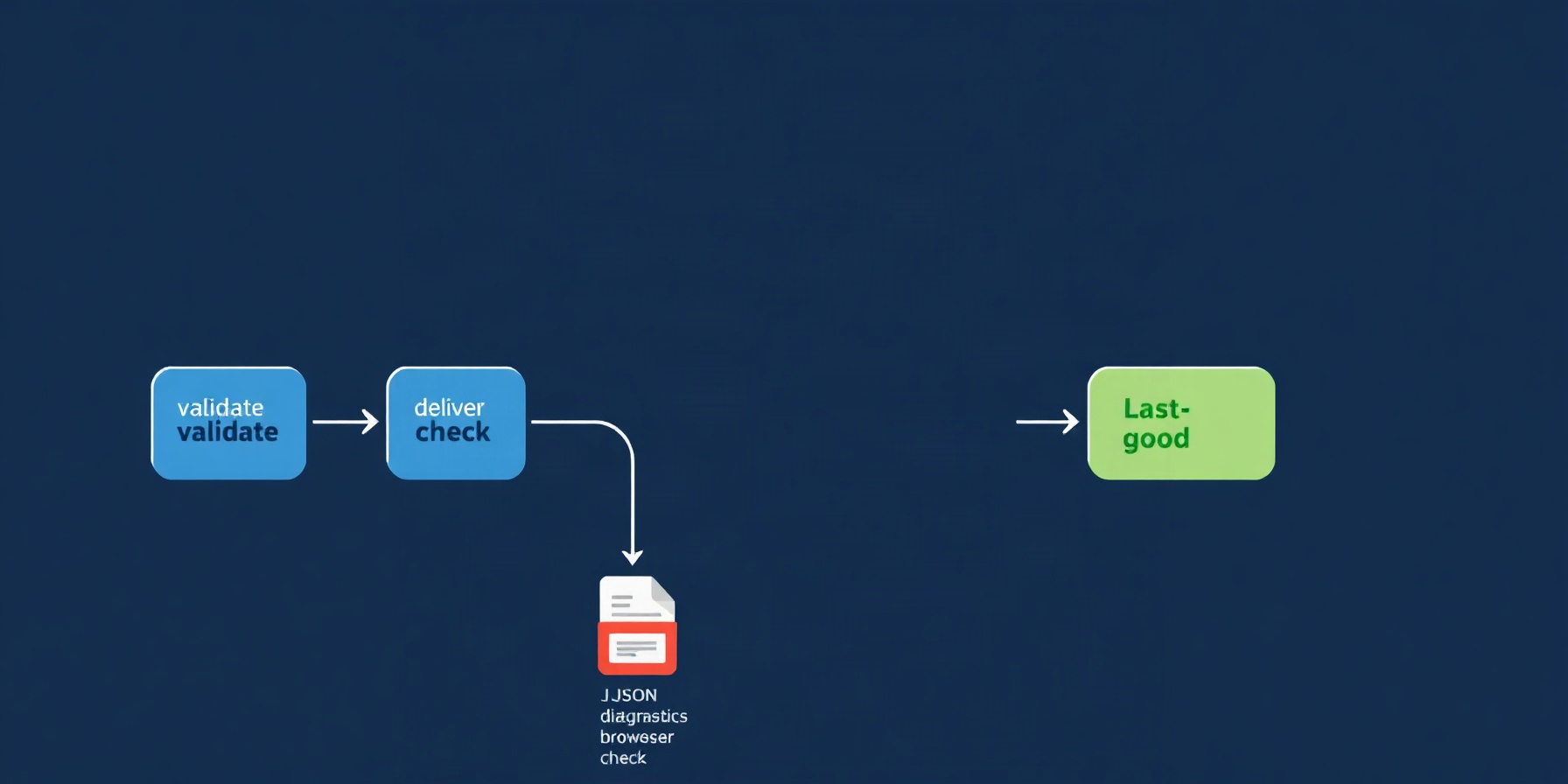
The inspector does the most load-bearing work in the design. It is a browser-driven gate that fails a rendered page against named rules, rather than relying on a reviewer’s impression. The CHANGELOG lists the v2.0.0 rules, and SKILL.md places the gate at step seven of the run.
- The v2.0.0 rules fail pages with eyebrow labels, monospace text outside code, gradients, resting shadows, headlines over two lines, text under 13px, and near-empty screens. (CHANGELOG)
- A few-pictures check fails any page with fewer than 4 real pictures. A still-page check fails a page with fewer than 8 moving elements and warns under 16. (CHANGELOG)
- The v2.1.0 frame checks include no-title, off-centre, lopsided, empty-middle, edge-text and many-h1, plus late-title and no-poster. (CHANGELOG)
- SKILL.md states that a page with two or more near-empty screens fails. (SKILL.md)
In CI terms, this is a set of deterministic checks where failure blocks the page. The design is fail-open in one specific way: if Chrome, Edge or Chromium is absent, lint.mjs still runs, and the report must state that the inspector did not run. That is a disclosed degradation rather than a silent skip. The inspector drives the browser over the DevTools protocol. A 2.1.4 fix addressed a case where one run could delete the Chrome profile of a still-running run, and a per-profile owner file now guards cleanup.
The limit is the rule list itself. Each check encodes one author’s view of what generic AI pages look like, so passing the gate shows conformance to those rules, not that a page is well designed. The repository does not document how the rules were selected beyond the reference-site study.
What Do the Author’s Own Tests Show, and What Do They Not?
The author reports five rounds of blind comparisons over six briefs. A fresh agent built each page with no skill, with v2, or with another design skill, and a separate agent scored anonymous screenshots on the Awwwards weighting. In the final round, v2 averaged 7.7 and the no-skill baseline 7.8, according to the CHANGELOG’s testing section.
On the author’s own mean, the skill therefore scored 0.1 below the baseline in that round (CHANGELOG). The same round had v2 ranked first on two of three briefs, with the other design skill at 7.2. The author states the limits of the method:
- One juror scored each brief per round, which the author describes as “about half a point of noise.” (CHANGELOG)
- The jurors were models, not people. (CHANGELOG)
- The final round’s briefs had been used in the round before. (CHANGELOG)
The inspector result is the sharper signal. Under the inspector, v2 pages measured 0 failures each, while no-skill pages measured 8 to 13 failures each, per the CHANGELOG.
These two results support different claims. The inspector gap shows that v2 output satisfies the author’s own rules, which is partly circular because the gate was designed to measure those rules. It does not show that v2 pages are better designs to a human reader. The juror gap sits inside the half-point noise the author names, so the fair reading on that measure is no detectable advantage. No independent benchmarks are documented for either. The repository also does not document contributor, issue or pull request volume.
How Does taste-skill Compare With Its Sibling Approaches?
Within the author’s own ecosystem, taste-skill is the default member that the README describes as the main skill. Its siblings are preserved earlier versions, a classic skill collection, an image-generation skill family, and a successor for a retired skill. The README documents the moved skills, and the table below records each role.
| Approach | Repository | Documented role | Gate or enforcement | Requirements noted |
|---|---|---|---|---|
| taste-skill (design-taste-frontend) | taste-skill | Nine-step pipeline; README says six steps | lint.mjs and inspect.mjs browser gate | Node 22+; Node 18+ for draw, lint and assets |
| v1 (design-taste-frontend-v1) | taste-skill-classics | Original release, preserved | Not documented | Not documented |
| v2 experimental | taste-skill-classics | Pre-release, no longer iterated | Not documented | Not documented |
| Classic skills | taste-skill-classics | Preserved classic skills, opt-in since 2.1.1 | Not documented | Opt-in invocation |
| imagegen-skills | imagegen-skills | imagegen-frontend web and mobile, brandkit, image-to-code | Not documented | Not documented |
| unlazy | unlazy | Successor for full-output-enforcement | Not documented | Not documented |
| Unnamed design skill | Not named | Comparison arm in the blind tests | Not documented | Final-round score 7.2 |
The comparison stays inside one author’s family. The repository names no third-party competitor, and the other design skill in the blind test is unnamed in the CHANGELOG, so a cross-vendor comparison is a gap this review cannot fill. The v1 release and the v2 pre-release are preserved as separate skills rather than maintained in place.
What Does Installing and Running It Require?
The README documents three install routes: npx skills add, a Claude Code plugin marketplace, and a Codex plugin marketplace. From a clone, install.sh symlinks the skills into ~/.claude/skills, so a git pull updates them in place. The README says the skill installs nothing and needs no API keys.
npx skills add https://github.com/Leonxlnx/taste-skill --skill "design-taste-frontend"
/plugin marketplace add Leonxlnx/taste-skill
/plugin install taste-skill@taste-skill
codex plugin marketplace add Leonxlnx/taste-skill
codex plugin add taste-skill@taste-skill
For agent builders, the operational points are these:
- Node: The README and SKILL.md state Node 22+ for the scripts, while the CHANGELOG 2.0.0 entry says draw, lint and assets run on Node 18+. Pinning 22+ satisfies both.
- Browser: The inspector needs Chrome, Edge or Chromium. Without one, the report must say the inspector did not run (SKILL.md).
- Images:
assets.mjssearches Openverse, Wikimedia Commons, the Art Institute of Chicago and The Metropolitan Museum of Art without API keys. By default it keeps only CC0, public domain, CC BY and CC BY-SA material (CHANGELOG). - Attribution: Found pictures are never presented as the client’s own, and each is credited on the page and in the report (SKILL.md).
- Security: The scripts drive a browser and download images. No security audit of them was found, so treat them as code with network and filesystem reach.
- Sponsorship: The README discloses sponsors including interfaces.dev, React Bits, IMG.LY, Sent.dm, Kimi and the Vercel OSS program (README). Disclosure is not evidence of quality, and this review does not treat it as such.
Frequently Asked Questions
The three questions below cover installation, the author’s cost estimate, and a frontmatter bug that silently removed the skill in one client. The bug is a useful case study in how a configuration error can fail without a visible signal, as the CHANGELOG records.
How do I install it?
Use npx skills add with the GitHub URL and the design-taste-frontend skill name, or add the repository as a Claude Code plugin marketplace and install taste-skill@taste-skill. Codex uses its own marketplace and plugin commands. From a clone, ./install.sh symlinks the skills so that a later git pull updates them in place (README).
What does a run cost?
The only cost figure the repository gives is the author’s estimate of roughly 30 to 45 minutes and a few hundred thousand tokens per full run, recorded in the 2.0.0 notes (CHANGELOG). No other cost data is documented, and this review offers no independent figure. Measure your own runs before budgeting for them.
What was the frontmatter bug that dropped the skill?
The CHANGELOG records that the design-taste-frontend SKILL.md frontmatter contained an unquoted colon followed by a space. Claude Code silently dropped the skill and reported “Unknown skill” (issue #151). The fix added tests/frontmatter.mjs and a check-skills.yml CI workflow. The lesson for skill authors is to validate frontmatter in CI rather than assume the host will report parse errors.
The Bottom Line
Teams building agent-driven front ends should take the pattern more than the styling: a declarative pipeline, a deterministic gate that names its rules, and public self-measurement, all visible in the repository. Read the blind-juror numbers with the author’s own noise caveat, and treat the inspector as one author’s rule set rather than proof of design quality.
📖 Related Reads
- ToolBrain — tool reviews, LLM comparisons, and AI workflow guides
- Hermes Tutorials — Hermes Agent setup, configuration, and advanced workflows
Cross-links automatically generated from CodeIntel Log.