Contents
The interesting part of a repo agent is not the model loop. It is the admission gate and the Ticket, Mandate, and worktree lifecycle around it. This guide uses DeepSeek’s dsh-superagent as a reference for that control plane, including the points where it stops being a security boundary.
What dsh-superagent Is, and What This Guide Covers
dsh-superagent is DeepSeek’s MIT-licensed research prototype, published October 31, 2026 per community write-ups, that runs a repository agent against GitHub. Its core is an admission gate that classifies each request before a model reads it, plus per-Ticket worktrees and a store-then-do outbox.
The README describes it as “Research prototype for reference only, not an official DeepSeek product,” adapted for publication rather than identical to the internal version. It is packaged as a bundle for DeepSeek Harness. At fetch on 2026-11-07 the repository showed about 20.6k stars, 2.4k forks, and one commit on main; treat those as a point-in-time snapshot. Terms such as Ticket, Mandate, and Eval follow the domain doc.
This is a control-plane guide. Model prompts and loop internals appear only as context.
This article is a documentation-based build guide: every fact, figure, and snippet below comes from the dsh-superagent README and docs (fetched 2026-11-07), and nothing described was built, deployed, or tested by the author.
The Admission Gate Classifies Before the Model Reads
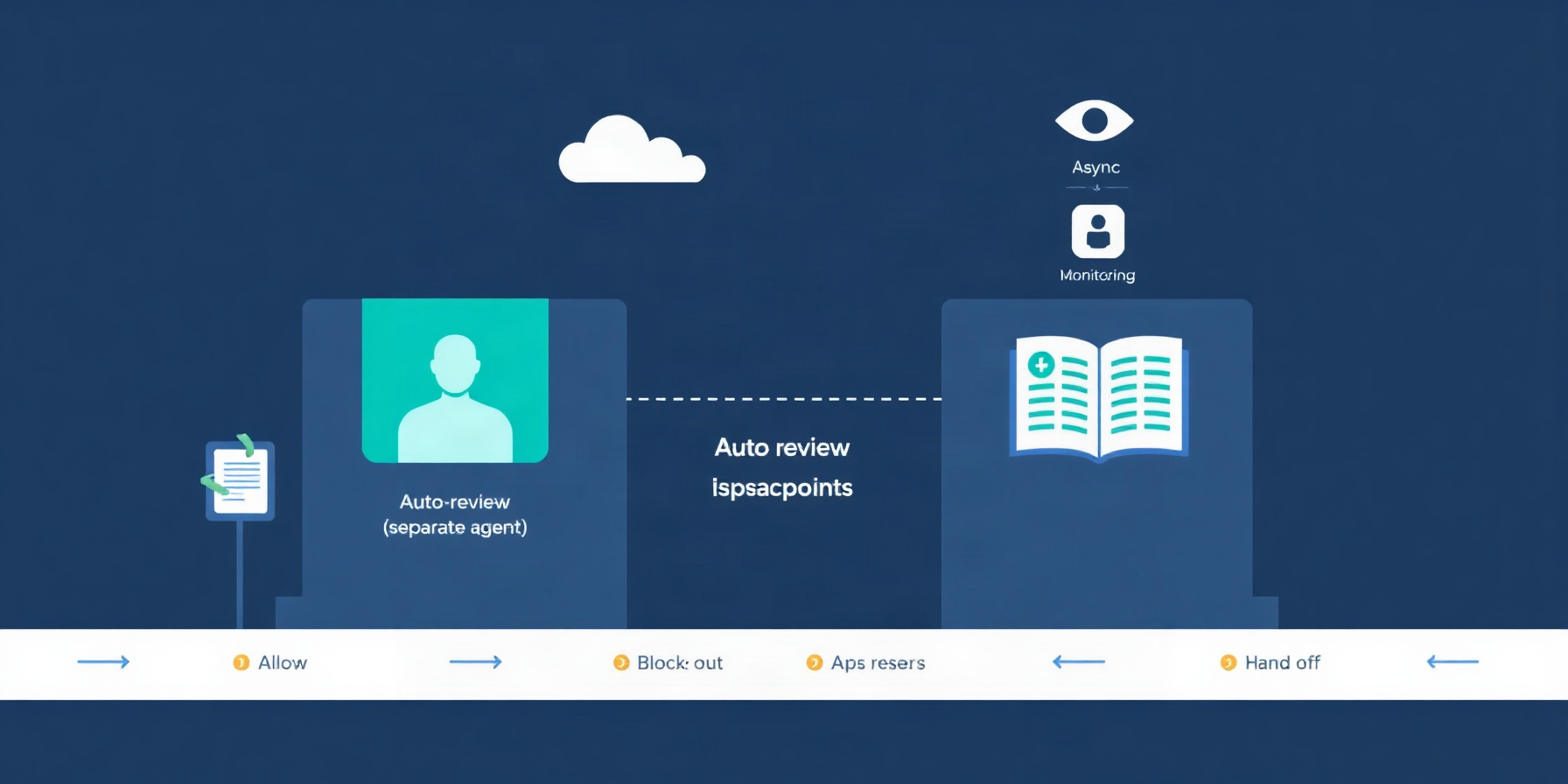
Every incoming mention is classified by host-side code as explicit, inferred, or not admitted, based on the sender and the current Source Policy, before any model reads it (authorization doc). Subscriptions deliver context but “bypass the gate and grant no new authority,” and the default accept mode is observe.
The GitHub admission table covers new Issues, new pull requests, comments, and default-branch CI. Cell defaults: on-list and not addressing is inferred; not-on-list and addressing is ignore; not-on-list and not addressing is ignore. CI has no sender, so only the third cell applies. A listed bot (a GitHub App login ending in [bot], or a Feishu bot) yields an inferred candidate only, never explicit and never a stop.
Accept modes are off, observe (default), and auto. Observe records a positive assessment as ignore marked “would accept” and accepts nothing. Documented policy shape (rule strings are placeholders):
{
  "rules": ["..."],
  "sources": {
    "github": {
      "allowed": [{"id": "your-github-login"}],
      "bots": [{"id": "dependabot[bot]"}]
    }
  }
}
The cost of pre-model classification is that a legitimate request from an unlisted sender is ignored silently.
Mandates: Immutable Authority With Narrow Exits
Accepting an inferred request creates a Mandate that records the policy version it was accepted under. Only two events end it: a person’s stop withdraws it, and failed revalidation revokes it (authorization doc). Editing policy does not immediately revoke live Mandates, so revalidation, which re-checks the table, rules, and bot list, is the real check.
An Eval deadline starts when the candidate reaches the main Session. Expired Evals requeue, and the third consecutive expiry records unavailable. A policy change discards running Evals, requeues their Triggers, and notifies affected live Tickets. Pause stops dispatch, new Evals, Eval timeouts, and replies while Sources keep recording Triggers. Evals do not expire while paused, and deadlines shift by the pause length.
One Ticket, One Worktree, One Worker
Each Ticket runs in its own Session named worker-<…>, in a directory named for the Ticket’s short name under an execution root that defaults to <stateDir>/work (execution doc). A prepare hook runs once with sh in that root before the first Assignment, has a 10-minute limit, and a failure fails the Ticket without retry. The documented example:
git -C /home/me/src/widgets fetch --no-tags "https://github.com/$DSH_SUPERAGENT_GITHUB_REPOSITORY.git" "${DSH_SUPERAGENT_GITHUB_PR_HEAD:-HEAD}:refs/dsh-superagent/$DSH_SUPERAGENT_TICKET" &&
git -C /home/me/src/widgets worktree add -b "agent/$DSH_SUPERAGENT_NAME" "$DSH_SUPERAGENT_DIR" "refs/dsh-superagent/$DSH_SUPERAGENT_TICKET"
The example uses git worktree semantics. Execution variables passed to prepare and the prompt contain no credentials. Presets run danger-full-access as the operator’s OS user, and foreground shell commands move to background after 5 s.
A PR belongs to a Ticket when its branch’s last path segment matches the Ticket’s short name. That mapping is by name, so renaming the branch severs delivery to that Ticket.
The Reserved Human Slot
A Ticket holds a worker slot from launch, and the orchestrator reserves one extra slot beyond the configured limit for a person’s message or status request (execution doc). That keeps queued agent jobs from starving a human mid-conversation. The reserve is a single slot, so two humans writing at once still contend. Shell jobs are killed 30 minutes after a turn ends, and the Ticket then reports waiting; subagents may continue.
Merge Authority and the 200-Line Ceiling
By default the host auto-merges only the Ticket’s own PR, only when it is ready, only when approvals cover the head commit, and only when additions plus deletions are under 200 lines (execution doc). The docs state that “the host has no merge-specific decision logic”; merge behavior is governed by the Delivery requirements prompt. The docs describe no model reviewer in the merge path.
GitHub attributes a merge to whoever enabled it, so the default keeps enabling merges out of the agent account. Branch protection lives on GitHub, outside the shell. A community write-up on building a repo bot is useful for contrasting designs, not as a source for these values.
Store-Then-Do: The Outbox and Its Backoff Ladder
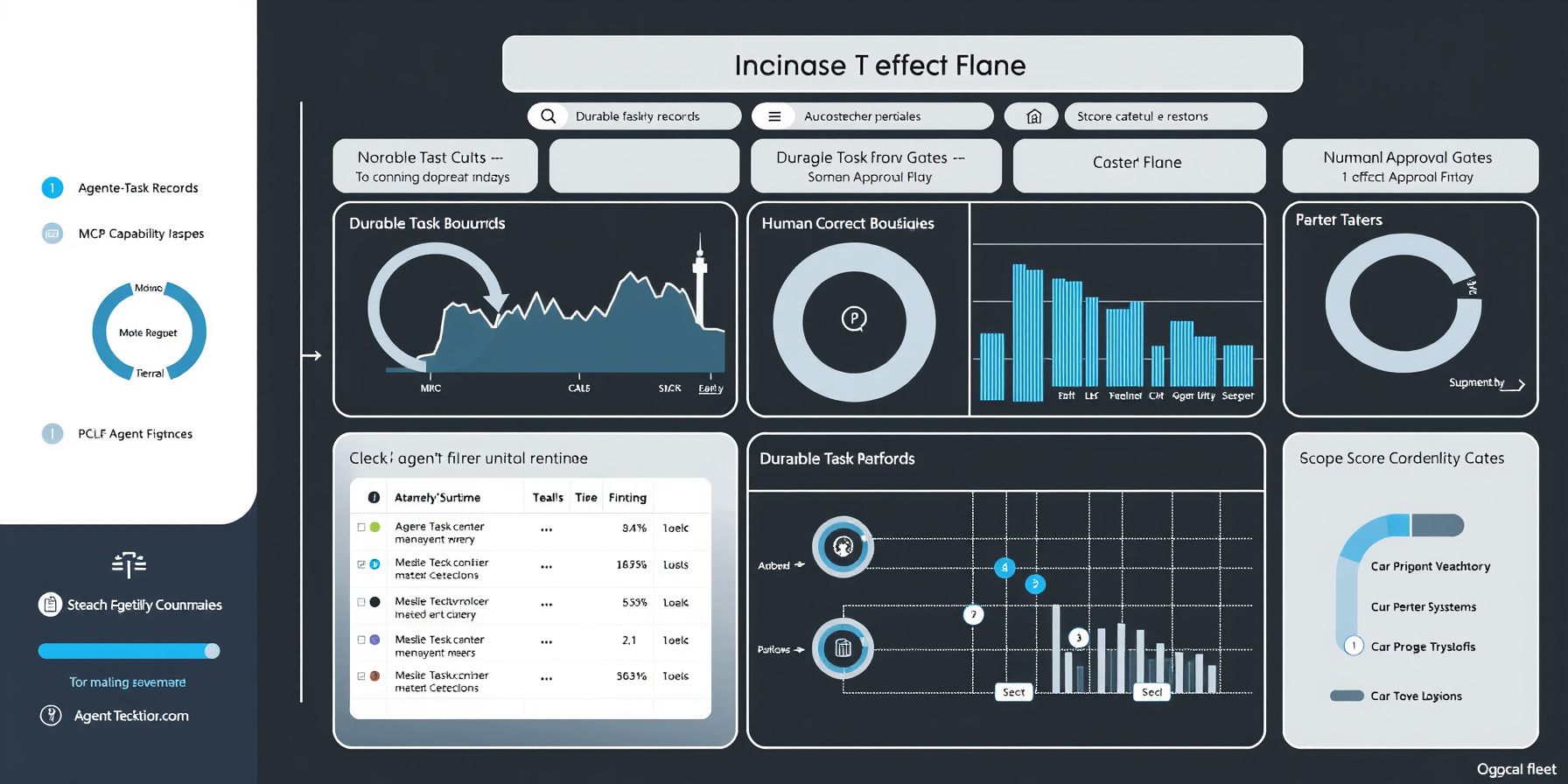
Actions after a decision are “stored first and done afterwards,” with ordered delivery per conversation (architecture doc). Transient provider and network failures (HTTP 408, 429, 5xx, refused, reset, or timed-out connections) retry three times with growing backoff, which is the same class of failure GitHub’s REST API guidance tells clients to expect. Relays and deliveries double from 2 s to 60 s; channel sends double from 5 s to 300 s. A GitHub 404 is retried, because it also appears when the agent loses access to a private repo.
Per the architecture doc: Trigger text is capped at 4,000 characters, acknowledgements at 100 words, worker_report summaries at 600 characters, and the first assignment message carries up to 1,500 characters of assignment text. Ordering has a cost: one stuck message blocks later messages of that Ticket to that conversation.
Deployment: Versions, the Agent Account, and Hygiene
You need Node.js 22.19+ or 24+, pnpm, git 2.32+, Python 3.8+, tmux, and gh CLI 2.48+. The system talks to github.com only; GitHub Enterprise Server is not supported (deployment doc). Install the pinned release, then use a dedicated user account with write access, because “A GitHub App cannot be the agent.” The agent reads the account’s notifications.
npm install -g @deepseek-ai/dsh@0.2.1-rc.3#!/bin/sh
# ~/.local/bin/gh-agent — CLI wrapper pinning the dedicated agent account (docs/006).
GH_CONFIG_DIR="$HOME/.config/gh-agent" exec gh "$@"Setup puts <stateDir>/worker-bin first on PATH, so gh resolves to the agent CLI and blocked commands fail. <stateDir>/worker-gitconfig replaces global and system git config, sets the agent CLI as the github.com credential helper, rewrites SSH to HTTPS, and removes GH_TOKEN and GITHUB_TOKEN. Setup refuses to proceed past a file it did not write, and it removes environment variables whose names contain KEY, PASSWORD, SECRET, or TOKEN. These are hygiene steps, not a boundary.
Lifecycle runs through scripts/dsh-superagent start|status|restart|stop. Start waits up to one minute for ready; stop and restart wait up to five minutes and never force-kill. stateDir is an absolute path fixed in the profile’s machine configuration and cannot be changed from the Settings → Deployment panel; invalid or unknown machine-config keys prevent startup.
The community Railway template reports about 350 MB RAM idle and about 400 MB on a one-file ticket in a tiny repo, with notifications polled about once a minute so no webhook is needed. Its token scopes are repo, read:org, notifications, workflow, which you can preselect on GitHub’s token page. These are community figures, not official ones.
The Management API and the Ops Loop
The management API lives at http://127.0.0.1:<port>/orchestrator/api/ and requires x-orchestrator-request: 1. A missing header or a foreign Origin returns 403 (deployment doc). Settings writes are optimistic: a 409 means your revision is stale, so GET settings and retry with the current revision. GET settings returns policy, eval, and executor blocks plus one entry per Source instance (source:github, source:feishu); prompts are a separate GET/PUT prompts route, not a settings block.
api=http://127.0.0.1:3082/orchestrator/api
rev=$(curl -s -H 'x-orchestrator-request: 1' $api/settings | jq '.sources[] | select(.id == "github") | .revision')
curl -s -X PUT -H 'x-orchestrator-request: 1' -H 'content-type: application/json' $api/settings/source:github \
  -d "{\"value\": {\"enabled\": true, \"config\": {\"repository\": \"acme/widgets\", \"cli\": \"$HOME/.local/bin/gh-agent\"}}, \"revision\": $rev}"
Accept mode lives in the eval block, not a separate accept block. The value shape is {"mode": "observe" | "off" | "auto", "timeoutSeconds": n, "model": "..."}. The GitHub receive-everything switches are observeIssues, observePulls, observeComments, and observeCi under source:github config, all OFF by default.
Exit codes: 0 is normal. 1 means not running, started twice, not answering, or a runtime error; a restart may fix it. 2 means a non-runtime part errors, and 3 means the system is waiting for setup; restart will not fix either.
Before any upgrade, back up orchestrator.sqlite. A database migrated by a newer version cannot be opened by an older one, so never downgrade:
cp <stateDir>/orchestrator.sqlite orchestrator.sqlite.bak
git pull && pnpm install && pnpm build
Do not run dsh superagent --from-default-profile web as an upgrade step. It replaces an existing profile and deletes cordis.patch.yml.
Security Posture: Defaults, Not a Boundary
The docs’ own words: “These wrappers and directories establish defaults, not a security boundary. A worker can still execute a program by absolute path.” (execution doc). Presets run danger-full-access as the operator’s OS user with commands running without approval. The community Railway template runs commands as root with the token on the volume. Treat the allowed list and the gate as the only real control plane.
The architecture doc lists two open questions: which Trigger fields are trusted, and how the harness install is isolated at deployment. This guide’s recommendation, drawn from those questions, is to run the bundle under a dedicated OS account or a container.
| Control point | dsh-superagent (documented defaults) | CI-wired harness (generic pattern) | Hardened dsh-superagent (operator-applied) |
|---|---|---|---|
| Who may start work | Host-side gate: explicit / inferred / not admitted; accept mode observe | Anyone who can trigger the workflow or comment on its PR; no sender-classification step | Same gate with a deliberately small allowed list |
| Dry run | observe records positives as ignore marked “would accept” | Usually hand-built per workflow | Stay in observe until “would accept” records look right, then promote |
| Per-task isolation | Per-Ticket directory under <stateDir>/work via prepare; “defaults, not a security boundary” | One ephemeral workspace per job | Whole bundle under a dedicated OS account or container |
| Credentials | Dedicated user account with write access; KEY, PASSWORD, SECRET, TOKEN variables removed at setup | Workflow token; the job sees what the runner exposes | Dedicated account with a scoped token |
| Merge authority | Ticket’s own PR only, when ready, approvals cover head commit, additions plus deletions under 200 | Branch protection and human review decide | Keep the 200-line ceiling; branch protection stays the merge gate |
| Human access under load | Configured limit plus one reserved slot; shell jobs killed 30 minutes after a turn | No reservation; humans queue behind jobs | Same; the reserve is a single slot |
Week-One Breakage Map
Most week-one failures are configuration, not model behavior. Nothing happens when the sender is not on the allowed list, the source is off, or processing is paused. All four GitHub observe switches are OFF by default, and a failed prepare fails the Ticket with no retry (deployment doc).
Replicate in this order: enable one source, stay in observe, get prepare right, and back up the database before any upgrade.
| # | Symptom | Cause | Fix |
|---|---|---|---|
| 1 | ”Nothing happens after a mention” | Sender not on allowed list; source off; processing paused | Add the login; enable the observe switch for that source; unpause |
| 2 | ”Mention posted by editing an issue body is never received” | Body edits are not received as mentions | Post a comment instead of editing the body |
| 3 | ”The prepare command failed:“ | Usually fetch or worktree failure; output names the cause | Correct the prepare command; it is not retried, so the Ticket is failed |
| 4 | ”git does not read the github.com credential configuration” | git older than 2.32 | Upgrade git to 2.32+ |
| 5 | Profile destroyed | dsh superagent --from-default-profile web replaces the profile and deletes cordis.patch.yml | Never use it for upgrades; restore profile and patch file |
| 6 | 403 from management API | Missing x-orchestrator-request: 1 or foreign Origin | Call from 127.0.0.1 with the header set |
| 7 | 409 on PUT settings | Stale revision | GET settings, replay PUT with current revision |
| 8 | Exit code 1 | Not running, started twice, not answering, or runtime error | Restart may fix it |
| 9 | Exit codes 2 and 3 | 2: non-runtime error; 3: waiting for setup | Restart will not fix either; correct configuration |
| 10 | Older version cannot open orchestrator.sqlite | Database migrated by a newer version | Back up before git pull && pnpm install && pnpm build; never downgrade |
FAQ
Can a listed bot start work on its own?
No. A listed bot, such as a login ending in [bot], yields an inferred candidate only, never an explicit one and never a stop. Acceptance still has to happen, and it creates a Mandate that records the policy version it was accepted under (authorization doc).
Is a failed prepare step retried?
No. The prepare hook runs once with sh before the first Assignment, has a 10-minute limit, and a failure fails the Ticket. Transient provider and network failures retry three times instead. Correct the prepare command before the next attempt (execution doc).
Does editing policy revoke running work?
Not immediately. A policy change discards running Evals, requeues their Triggers, and notifies affected live Tickets. Live Mandates are not immediately revoked; revalidation re-checks the table, rules, and bot list (authorization doc).
Does the harness sandbox the agent from the host?
The docs say no such boundary exists. They call the wrappers and directories “defaults, not a security boundary,” and presets run danger-full-access as the operator’s OS user (execution doc).
The Bottom Line
Study dsh-superagent for its control plane: the pre-model gate, the Mandate lifecycle, per-Ticket worktrees, and the store-then-do outbox are worth copying as design. Treat its defaults as a starting point, not a finished posture. Run it as a research prototype, as the README describes it, under a dedicated account, with a small allowed list, in observe mode, behind branch protection you verify yourself. Do not count on it as a security boundary, and do not count on it as production-ready.
How This Guide Was Built
This guide is assembled from official documentation and community reports — we did not run this build ourselves. Facts come from the dsh-superagent README and the docs 002-authorization, 003-execution, 006-deployment, and 007-architecture, as fetched 2026-11-07. Community write-ups supply only the October 31, 2026 publication date and the Railway template figures.
📖 Related Reads
- ToolBrain — tool reviews, LLM comparisons, and AI workflow guides
- NoCode Insider — AI workflow automation with no-code tools, agents, and APIs
Cross-links automatically generated from CodeIntel Log.